
The question comes up in almost every conversation we have with learning and development teams: "we already have an LMS, does this plug into it?" Behind that question sits a more serious one. Nobody wants to impose a second tool, a second password and a second place to go looking for results. A scheme that lives alongside the LMS is a scheme people forget.
The short answer is yes, and by the standard route: LTI 1.3. The learner clicks an activity in their LMS, the simulation opens inside the page, they practise, and the result lands in the gradebook. No extra account, no manual export.
This guide sets out how it works, what exactly comes back, what the integration changes for a training manager, and what three real deployments have taught us — at H3 Campus, across the chamber of commerce network and at Eurotunnel.
An LMS does well what it was designed for: distributing content, tracking pathways, handling enrolments and issuing certificates. What it cannot do is put a learner in a position where they have to say something to someone and deal with the reaction. That is the subject we covered in why an LMS alone is not enough for soft skills: the module-and-quiz format measures what a learner knows, never what they do.
Every additional tool creates three points of friction: an invitation to send, a password to remember, and one more place to check to find out who did what. With a cohort of thirty, that is manageable. With three thousand learners spread across several campuses, the whole scheme seizes up. Completion does not collapse because the content is poor, but because the route in is too long.
Once practice sits inside the LMS, it becomes an activity like any other: you place it in a pathway, make it compulsory, schedule it before a classroom session, reopen it three weeks later to consolidate. It fits into existing habits instead of creating new ones.
LTI is the standard that lets an LMS launch an external tool while passing on who the learner is and which course they are in. Version 1.3 rests on a key exchange: the administrator declares Face Up once at LMS level, the two platforms swap their credentials, and every subsequent launch is cryptographically signed. The mechanism is explained without jargon in LTI 1.3 explained for training teams.
The trainer never has to copy and paste a URL. They add an activity to their course, a selection window opens, they pick the scenario, and the activity is created correctly linked. It is a small point of usability that removes an entire class of mistakes — the wrong link in the wrong course. We set out how it works in Deep Linking, or how to choose your scenario without leaving the LMS.
The NRPS service lets Face Up know who is enrolled on a course and in what role. The practical consequence: no file imports, no second list to keep up to date. A learner enrolled in the LMS exists on the practice side; a learner removed from it disappears.
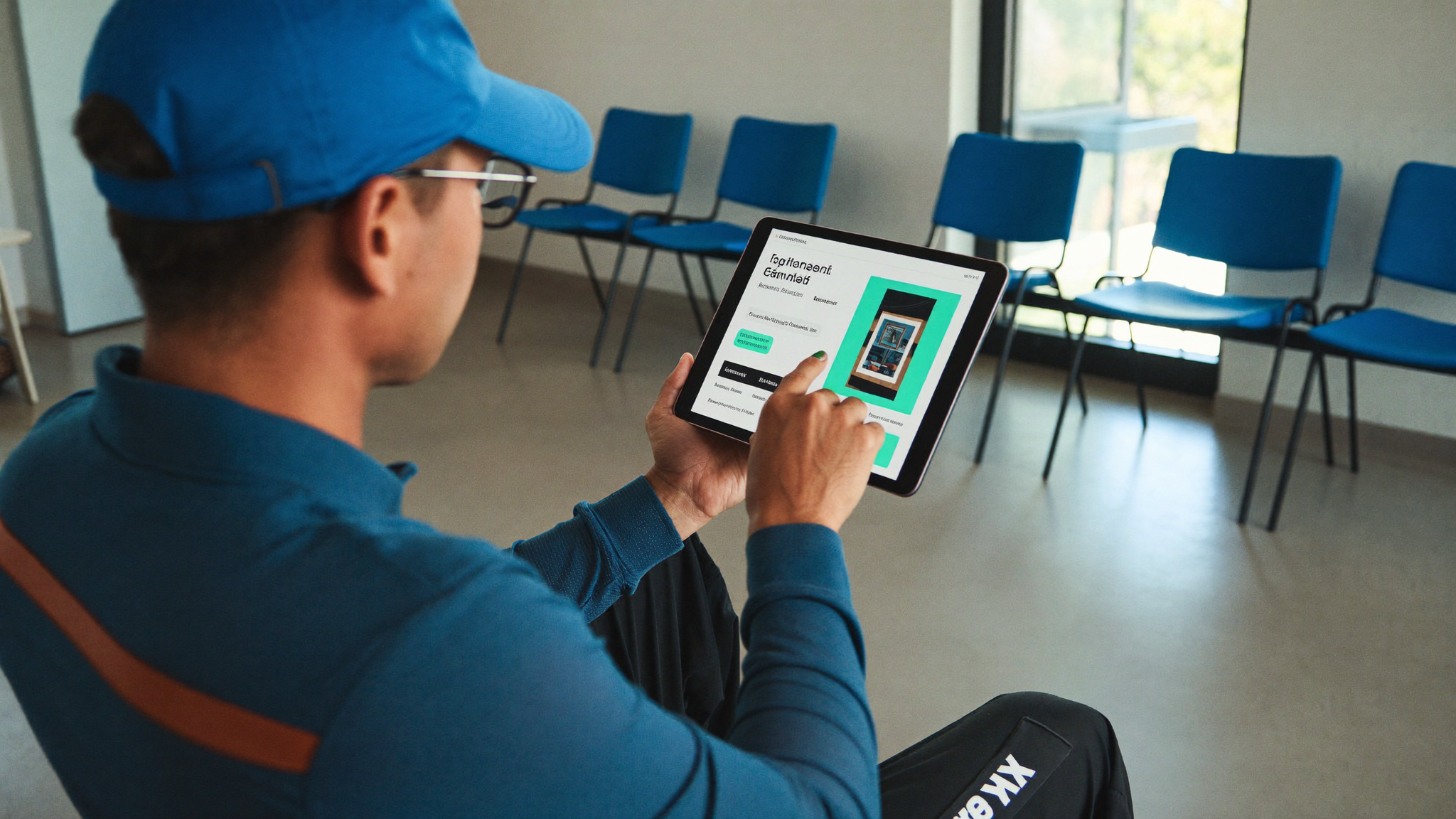
When the learner clicks the activity, the simulation opens inside the LMS page. They see no sign-in form: their identity is passed across by the LTI launch. That is the difference between "I am doing my activity" and "I need to dig out my credentials for another tool". We explored the same principle on the authoring side in embedding Face Up in Genially with an iframe.
They talk. They face someone who reacts to what they actually say, rather than following a linear script. At the end they get a debrief on substance and on delivery, and they can start again. Repetition is the heart of the mechanism: a relational skill does not settle on the first attempt, it becomes a reflex by the tenth.
The iframe assumes the LMS allows external content to be displayed and that the browser grants microphone access. On a locked-down estate, both points are checked before deployment, not on the day. It is the first test we run on every project.
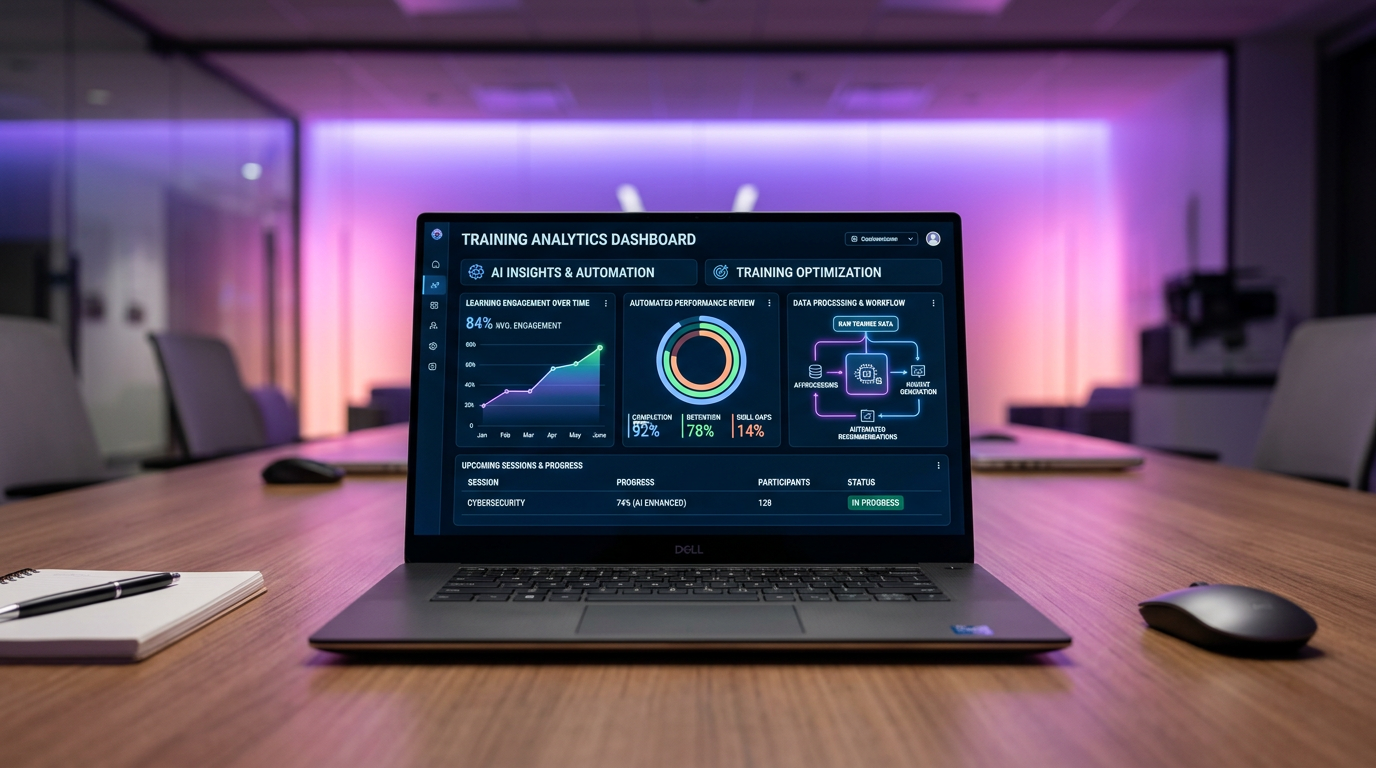
The AGS service returns a score out of 100 and the completion status of the activity to the LMS. The column appears in the course gradebook, in the same place as the others. For a programme manager, that is what makes the scheme assessable with the tools they already use.
A relational skill does not reduce to one number. Several grade lines can be sent back to separate what belongs to listening, to the structure of the exchange, or to handling emotion. The reading becomes far more useful: you can see what the learner is improving on. We develop this point in AGS: sending results back without betraying the skill.
A score out of 100 does not say whether the learner started over six times, nor what the debrief taught them. It does not replace the trainer's own observation. It gives a shared reference point — no more than that, but no less, and that is precisely what was missing. The broader question of measurement is covered in assessing and measuring soft skills.
SCORM remains relevant for a great deal of content, but it rests on a package imported into the LMS. A conversational simulation is not content you work through: it is played live and it evolves. Every change to a scenario would mean regenerating and re-importing a package.
With LTI, the content stays hosted on the Face Up side. A scenario improved on Monday is live on Monday, in every course that references it, with nothing to do. That matters when several institutions share the same catalogue. The full comparison is in SCORM, LTI or xAPI for conversational training.
H3 Campus trains between 3,000 and 4,000 learners a year, students on work-study contracts, across a broad spread: management, sales, human resources, property. The new version of their Moodle was built by the integrator eLearning Touch', and Face Up plugs into that Moodle. The aim is to offer a new learning experience to all their learners from the 2026 intake.
At CCI Hauts-de-France and CCI de Grenoble — chambers of commerce and industry — the integration serves two populations with different constraints: professionals on short courses, and students through their apprenticeship training centre. That is exactly where going through the LMS pays off: the simulations can be used before the session to prepare, during it to put things into practice, and afterwards to consolidate.
At Eurotunnel, around a thousand learners practise customer relations scenarios from Rise Up. On the HR side, what is tracked is how teams progress on the skills of their new customer relationship approach, and how engaged they are. The lever for practice is gamification, with challenges between teams. The operational side of this deployment is told in the Eurotunnel case on handling disrupted situations.
Three people are enough: the LMS administrator, who declares the tool; a programme manager, who decides where the scenarios sit in the pathways; and an IT contact if the estate is locked down. The technical part is measured in tens of minutes; the pedagogical part deserves more time.
A deployment that works always starts with one pilot course, one scenario, one cohort. You check that the launch works, that the column appears in the gradebook, that learners do not get stuck on the microphone. Only then do you generalise. The logic of scaling up is set out in deploying soft skills training at scale.
For the implementation itself, two detailed guides: integrating Face Up with Moodle and integrating Face Up with Rise Up. Both client stories are covered in full in H3 Campus and the chambers of commerce on Moodle and Eurotunnel on Rise Up.
LMS integration is not a technical convenience, it is what decides whether a practice scheme gets used or abandoned. LTI 1.3 settles the three obstacles that sink separate tools: access, routing and results. What is left to decide is no longer technical but pedagogical — where to place practice in the pathway, how many repetitions to allow for, what to observe alongside the score. That is exactly where the work begins.