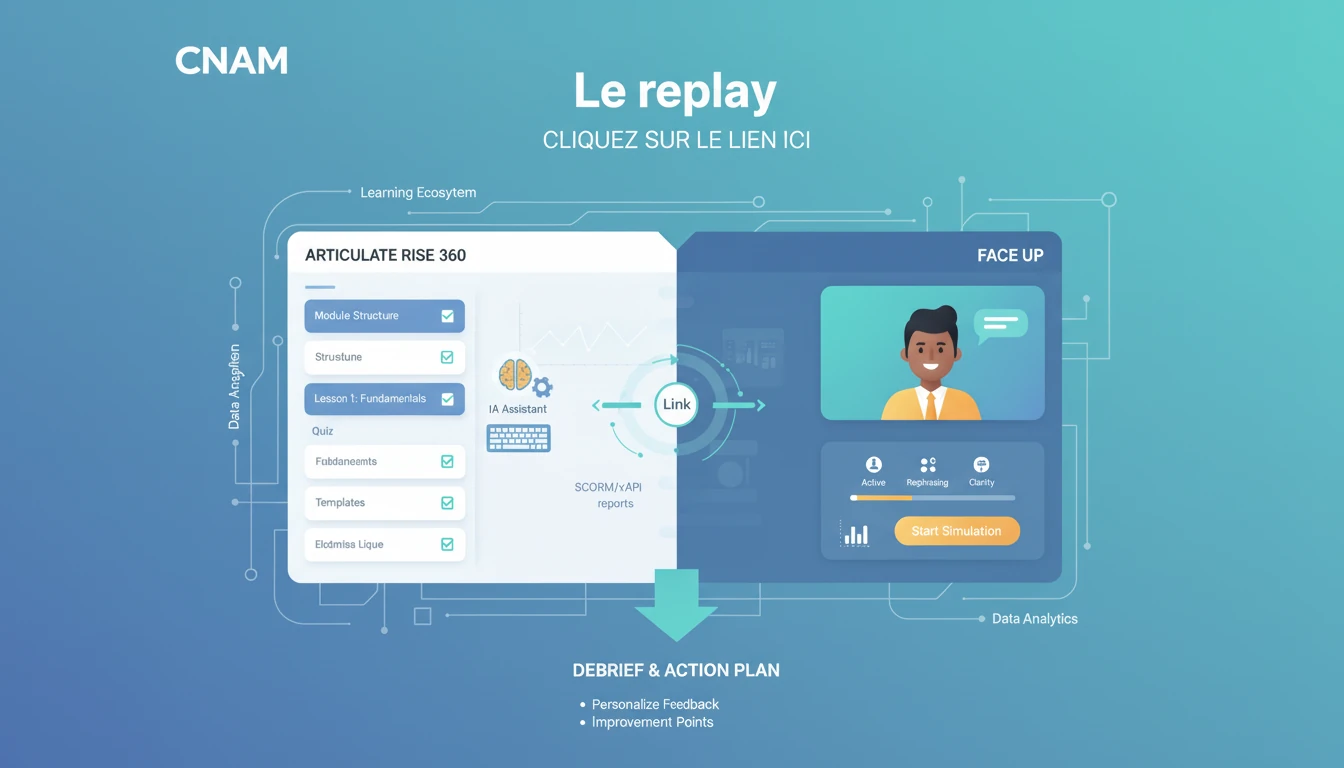

Investing in innovative customer relations training only makes sense if it fits into the learning ecosystem you already run. A standalone tool, however good, creates friction: a second login for learners, progress data scattered across systems, and extra administrative work for L&D teams.
LMS integration removes that friction by making AI simulations a native module of your learning path, accessible from the environment your learners already use every day. It is a prerequisite for any large-scale rollout.
From the learner's point of view, integration should be invisible. They log into their usual LMS, open their learning path, and launch an AI simulation exactly as they would launch any other e-learning module. No new URL to remember, no new password, no break in the experience.
In practice, the simulation appears as a block within the path, sitting between a theory module and a quiz, for example. The learner clicks, the session opens in an embedded window, and once it ends they return automatically to the LMS with their progress updated.
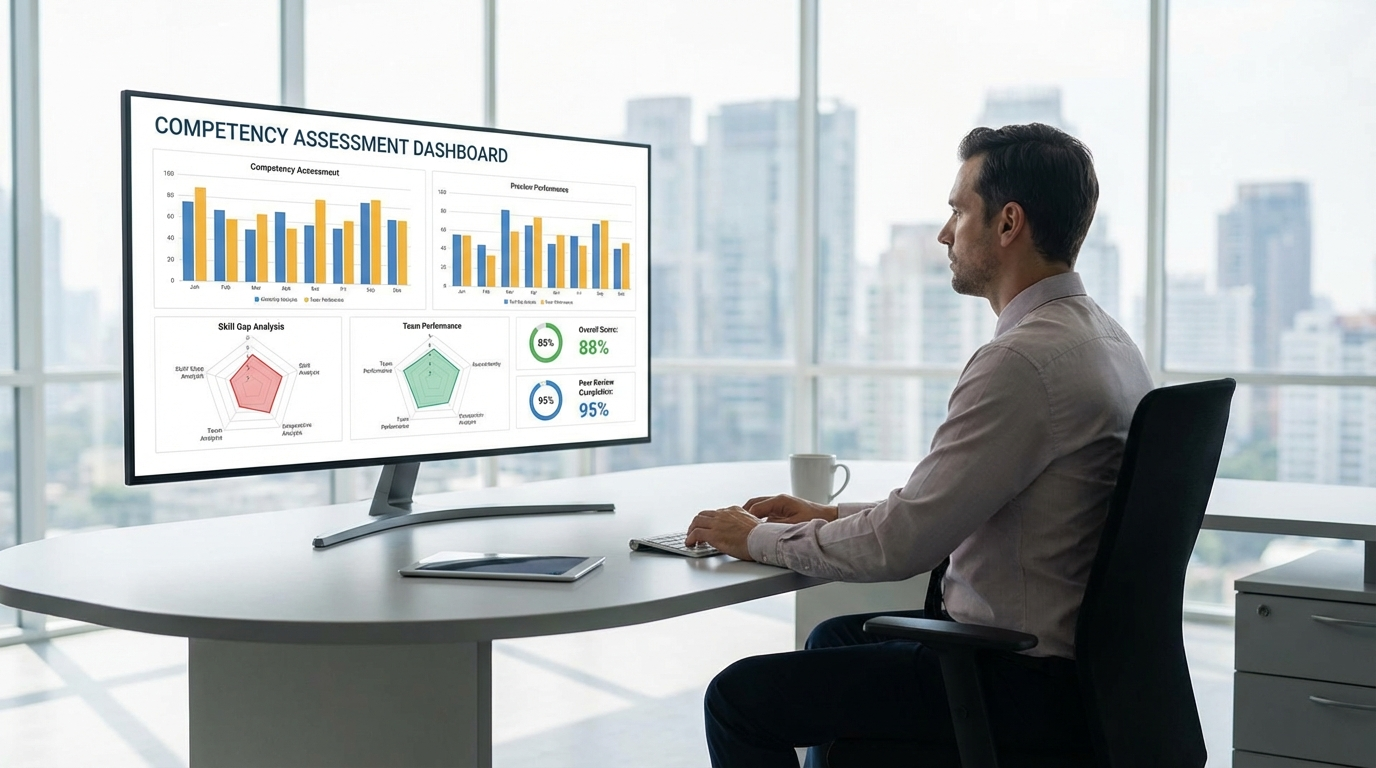
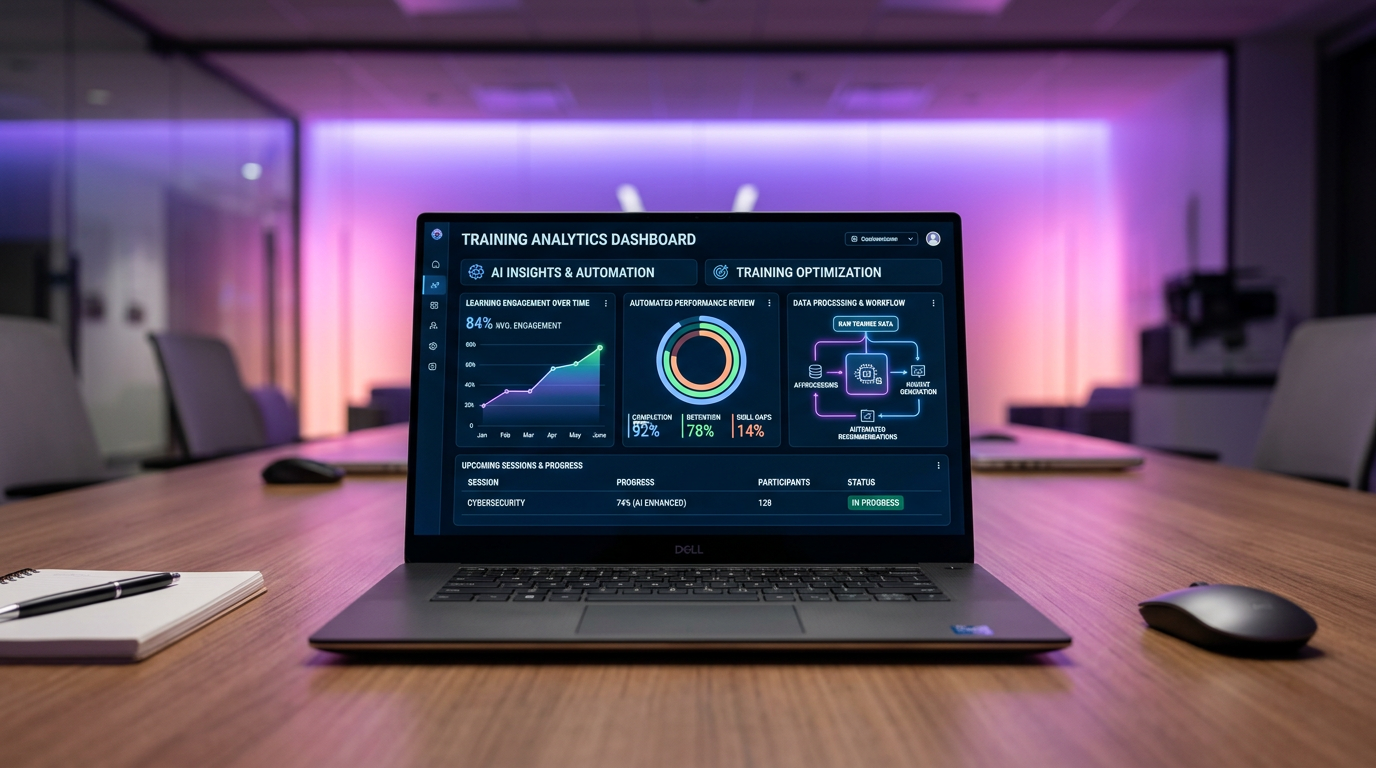
For the trainer, integration means session data flows back into the LMS automatically. Time spent, score achieved, number of sessions completed: all of it feeds the existing dashboards without anyone re-keying figures.
Trainers keep access to detailed session analysis (multimodal debriefing, replay with timestamps) through the Face Up authoring tool, while headline progress indicators remain visible directly in the LMS.
For the LMS administrator, integration removes manual access management. LMS users automatically gain access to simulation modules according to the enrolment rules already defined in the LMS. Completion data feeds compliance reporting, which matters for any training subject to regulatory obligations.
LTI is the most widely adopted standard for connecting third-party tools to an LMS. It launches the simulation straight from the LMS with automatic authentication (SSO), so the learner never has to sign in twice.
Face Up supports LTI 1.3, the most recent version of the standard, which guarantees a secure connection and two-way data transfer: learner identity, scores and completion status.
SCORM is still in use across many organisations, particularly for classic e-learning content. Face Up can package simulation sessions in a SCORM-compatible wrapper, which allows them to run in an LMS that does not support LTI.
The limitation of SCORM is the payload: data transfer is restricted to basic information such as completion, score and time. Detailed multimodal analysis (tone, posture, expression) remains available only through the Face Up platform.
xAPI is the most advanced standard for tracking learning activity. It reports granular data: number of sessions, types of scenario practised, progress on specific competencies, and results against each assessment criterion.
For organisations running an LRS (Learning Record Store) alongside their LMS, xAPI gives the fullest possible visibility over simulation activity.
Face Up integrates natively with the main LMS platforms on the market.
360Learning. Native LTI 1.3 integration. Face Up simulations appear as activities inside 360Learning paths, with completion and scores synchronised automatically.
Moodle. Integration via LTI or a SCORM package. Compatible with Moodle 3.x and 4.x. Set-up takes a Moodle administrator under an hour.
Docebo. LTI integration available. Session data feeds Docebo reports and manager dashboards.
LearnUpon. LTI integration with results synchronisation. Simulations sit inside LearnUpon learning paths like native modules.
Other platforms. Any LMS supporting LTI 1.1+ or SCORM 1.2/2004 can host Face Up simulations. For proprietary systems, a REST API integration is available on request.
The technical work is quick. Here is the typical sequence.
Day 1 — Technical configuration. The Face Up team supplies the LTI credentials (client ID, deployment key, launch URL). The LMS administrator configures the external tool in the LMS. Connection test and SSO verification follow.
Day 1-2 — Building the learning paths. The trainer creates or selects scenarios in the Face Up authoring tool and sets the completion criteria (number of sessions, minimum score). Scenarios are then mapped to the matching LMS modules.
Day 2 — Validation and launch. End-to-end test with a pilot group. Check that data flows back correctly (completion, scores, time). Adjust where needed, then open access to all learners.
That 48-hour timeline is an operational reality, not a marketing claim. Most of the effort goes into designing the training scenarios, not into the technical set-up.
The data passed to the LMS through the classic standards covers completion status (completed / in progress / not started), overall session score as a percentage, time spent in the simulation, and number of attempts.
This feeds standard LMS reporting and your existing training follow-up indicators.
For finer analysis, the Face Up platform provides a full competency-level assessment: active listening, reformulation, objection handling, regulatory compliance. Each competency is scored individually.
On top of that come multimodal analysis (tone of voice, pace, silences, facial expression), the full replay with timestamps, personalised recommendations for each learner, and longitudinal progress across multiple sessions.
Trainers reach this detail through the Face Up dashboard, while summary indicators feed the LMS.
A typical path for training bank advisers inside the LMS might be structured as follows. Module 1: e-learning theory on banking products (already in the LMS). Module 2: Face Up simulation — a discovery conversation with an avatar prospect (embedded via LTI). Module 3: knowledge quiz on regulatory requirements (already in the LMS). Module 4: Face Up simulation — handling a complex complaint (embedded via LTI). Module 5: debriefing session with the trainer (scheduled through the LMS).
The learner moves through the LMS in a straight line. Simulations slot naturally between theory modules and assessments, creating a coherent blended learning path.
For retail sales teams, the LMS can offer short simulation sessions as microlearning: five minutes of practice on a targeted scenario such as greeting an unhappy customer, suggesting an add-on sale, or handling a product return. These micro-sessions work on mobile, straight from the employee's LMS app.
Training providers working under quality-assurance or accreditation frameworks have to evidence every learning activity. Integrating Face Up simulations into the LMS satisfies that requirement.
Every session is time-stamped and tied to an identified learner. Assessment criteria are set out explicitly in the scenario. Results are archived and exportable. Progress is measurable over time.
These records feed directly into the indicators auditors look for on assessment of learning and on tracking learner progress.
LMS integration raises legitimate questions about data security. Here are the guarantees Face Up provides.
Hosting. All data is hosted on AWS in Paris (eu-west-3). No transfer outside the EU.
Encryption. Data is encrypted at rest and in transit (TLS 1.3). Exchanges between the LMS and Face Up run over secure connections.
GDPR. Learners can request access to and deletion of their data at any time. Session transcripts and recordings are used exclusively for performance analysis.
AI Act. Use is strictly educational. Face Up simulations are never used to assess learners in ways that determine access to professional opportunities.
Our LMS is not on the compatibility list. Is that a blocker? No. Any LMS supporting LTI 1.1 or above, or SCORM 1.2/2004, can host Face Up. For proprietary systems, contact the Face Up team to review API integration options.
Does integration require development work on our side? No. Configuration happens through the LMS administration interface. No client-side development is required for LTI or SCORM integrations.
Is simulation data visible in LMS reports? Core data (completion, score, time) flows into the LMS. Advanced data (multimodal analysis, replay) is available through the Face Up platform.
How much does LMS integration cost? LMS integration is included in Face Up plans. See our pricing guide for the detail of each package. Training budget and funding options are also available.
Adding AI simulations to your LMS is not a heavyweight digital transformation project. It is a 48-hour technical operation that opens a new set of teaching possibilities for your customer relations training.
The most effective training methods combine theory and practice. LMS integration lets you build that combination into a single path that is smooth, tracked and measurable.
Ready to connect Face Up to your LMS? Request a technical demo and see exactly how the integration behaves with your infrastructure.